
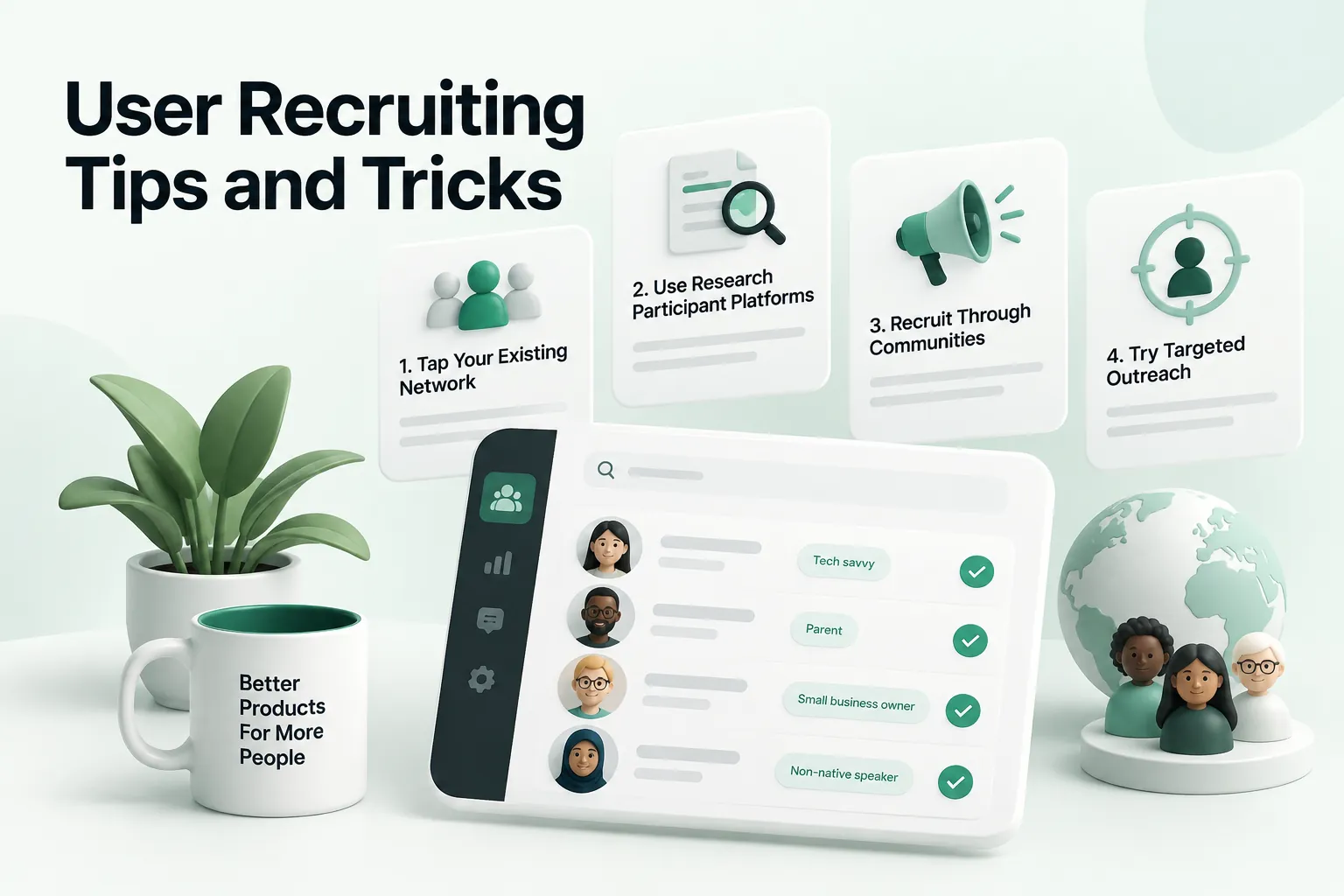
Quick answer: Good user recruiting means finding a small number of people who genuinely match your target users and getting them to show up. Start by defining who you need, write a short screener, reach them through the channels they already use, such as your email list, customer base, professional groups or LinkedIn, explain the purpose and time required clearly and offer a fair thank-you. Below are four proven methods plus a step-by-step process.
User recruiting in the research process is an essential component of creating a well-developed and successful final product. Here are 4 proven effective methods of user recruiting, along with highly recommended tricks and tips.

Email Automation
In recruiting, email automation can be a powerful and consistent tool that can reach users or newsletter subscribers. Email automation allows you to send the emails when convenient, while also meeting important timing deadlines such as high online traffic hours or daily set times. Set your automation timing on certain days and times that align with proven data-driven traffic numbers to maximize your visibility.
Setting up your email automation for a specific time daily can benefit you. When your emails go out at a regularly scheduled time, your users can expect when to receive your emails and it follows a consistent online presence for your brand. Instead of trying to remember daily to send out your newsletter or email content, automation takes the thinking into this out of your responsibility.
Tools like Mailshake that place your emails into a drip campaign sequence, allow you to reach your audience consistently in a follow-up style. Utilizing a drip campaign can benefit a brand by boosting engagement, increasing brand awareness, promoting current content, and even re-engaging users that have lost interest. Even if someone from your audience doesn’t open the email or doesn’t engage with it, this follow-up sequencing allows you to look into their inaction.
Facebook and LinkedIn Groups
Facebook and LinkedIn groups are a great and affordable way to recruit users for usability and research testing. With Facebook groups we can find a more specific community rather than just organizations, for example, you can search for groups within specified mental health communities or groups with shared specialized hobbies and interests. It’s important that when joining these communities, rather than jumping right into your ask you introduce yourself and provide a reason why they should care about your request. Including an incentive with your ask to conduct user research can also garner traction among these communities. Facebook groups tend to be a very underutilized resource in user research recruiting but can be a great method for finding more niche communities and subject interests. Similarly, LinkedIn groups have the same function as Facebook groups, it’s just a different platform that gives us access to perhaps another database of users for recruiting.
LinkedIn Sales Navigator
LinkedIn Sales Navigator is a sales intelligence platform that enables sales professionals to grow and maintain their relationships with buyers. Sales Navigator provides the most current data and acts as a virtual sales team using technology like customer relationship management or also known as CRM software. LinkedIn’s Sales Navigator allows you to focus on aspects such as geography, job title, company capacity, and other details like that. With Sales Navigator, you can specifically search users based on even further details such as what your relationship on LinkedIn with them is, any job changes they may have made that are relevant, and more in-depth filters for your targeted user searches. When you can identify your targeted users to fit your product or service in a fast and efficient way you can focus on other important aspects of marketing your product.
Various key features aside from the advanced searchability utilizing detailed filters would be giving access to extended networks, spotlighting opportunities, real-time tracking, and providing personalized messaging through InMail. Additionally, spotlighting opportunities lets you automatically navigate through noteworthy opportunities, spotlighting users that may have changed jobs, sharing common ideas through their posts, etc. Sales Navigator ensures active tracking for crucial developments of targeted accounts. Developments such as choices or decisions users have made, intentions to purchase products or services, and opportunities as they open. Another key function of LinkedIn Sales Navigator is that of direct personalized messaging with these targeted prospects, where InMail can be greatly utilized.
Scripting
Scripting is crucial to setting up your request to conduct research with users. Often we are focused on what we need from these users and what questions we need to be answered, but what’s in it for the users? As we mentioned before, even providing something as simple as an Amazon gift card or some form of repayment can create more of an appealing experience for your users. You’re essentially creating an incentive for users, which oftentimes leads to more interest from a variety of users.
For interview technique, Nielsen Norman Group's User Interviews 101 is a solid reference.
Providing context for your users can also be a determining factor in their participation. If your users are unaware of the context and purpose of your user testing they are less likely to want to be a part of that research. When your users clearly understand the subjects being discussed and the information you need from them they can provide thorough and insightful answers.
Justifying Personas
It’s important to continuously challenge your clients, asking if the target audience they’re focused on going to provide the most insightful and useful information for their product or service? Does this target audience align with their persona? Questioning who is spending more money on your product can be critical to your overall research results. Quantitative data and understanding who might have the greatest impact on your business rather than a setlist of personas we need to interpret from could lead a business down the wrong path of research.

User recruiting step by step
Step 1: Define who you need
Start from the research question. List the characteristics that matter, such as role, experience with a product, frequency of a task or industry, and the ones that do not. Overly narrow criteria make recruiting slow without improving insight.
Step 2: Write a short screener
Create a few questions that confirm fit without revealing the "right" answers. Ask about behavior, such as "How often did you do this in the last month?", rather than opinions.
Step 3: Choose your channels
Existing customers and newsletter subscribers are often the fastest source. Professional groups, LinkedIn and community forums help reach people outside your customer base. Recruiting panels and agencies can help for hard-to-reach audiences.
Step 4: Write a clear invitation
Explain who you are, why you are doing the research, how long it takes, how it will happen and what participants receive. Keep it short and friendly.
Step 5: Schedule and confirm
Use a scheduling link, send reminders the day before and an hour before, and recruit one or two extra participants to cover no-shows.
Step 6: Thank participants and keep in touch
Deliver incentives promptly, share how their input helped if possible and ask whether they would like to join future studies. Over time this builds a participant panel.
How many participants do you need?
For qualitative research such as interviews and usability tests, five to eight participants per distinct user group usually reveal the main themes and problems. If you have several very different user groups, recruit a small set for each. Surveys and quantitative studies need larger samples, depending on how precise the results must be.
Practical example: recruiting for a B2B usability test
A product team needs to test a new reporting feature with finance managers at mid-sized companies. They write a screener asking about job role, company size and how often participants build reports. They email a segment of existing customers, post in two professional finance groups and use LinkedIn to reach a few people outside their customer base. The invitation explains that the session takes forty-five minutes on a video call and includes a thank-you gift. They recruit eight people for six slots, send reminders and run all six sessions within a week.
Common user recruiting mistakes
- Recruiting colleagues, friends or whoever is available instead of real target users.
- Screeners that make the qualifying answers obvious.
- Long, vague invitations that do not state the time required.
- No reminders, leading to high no-show rates.
- Forgetting to follow up and thank participants.
Respecting participants
Ask for consent before recording, explain how data will be used and stored and collect only the personal information you need. Keep sessions on time. Respectful treatment protects participants and makes future recruiting easier.
User recruiting checklist
- Participant criteria are tied to the research question.
- The screener focuses on behavior.
- Channels match where target users already are.
- The invitation states purpose, time and thank-you.
- Reminders and backups are in place.
- Consent and data handling are clear.
- Participants are thanked and invited to future studies.
Recruiting hard-to-reach users
Some audiences, such as senior executives, specialists, clinicians or government staff, are busy and difficult to reach. A few approaches help. Ask existing customers or partners for introductions, since a warm referral is far more effective than a cold message. Keep sessions shorter, offer flexible times and make it easy to join from a phone. Explain clearly how their input will shape the product, which often matters more to these participants than the incentive. For very specialized audiences, a professional recruiting service may be worth considering, but brief them carefully and review screener responses yourself.
Building a participant panel
Recruiting from scratch for every study is slow. A simple panel, a list of people who have agreed to be contacted for research, makes ongoing research much easier. Add an opt-in to your product, newsletter or support follow-ups, record basic attributes such as role and product usage and track when each person last participated so you do not rely on the same few people too often. Respect their time by contacting them only for relevant studies and always thanking them afterward. Over time, a healthy panel lets your team run research every week or every sprint with minimal effort.
Writing invitations people respond to
Response rates depend heavily on the invitation. Use a clear subject line that mentions research and the time involved, for example "Share your experience in a 30-minute research call." Open with why you are reaching out to this person specifically, explain what the session involves and how their input will be used and state the thank-you clearly. Include a scheduling link so they can book immediately. Keep the message short enough to read on a phone, and send it from a real person rather than a no-reply address. A single polite reminder a few days later often doubles responses.
Track response, qualification and show-up rates for each channel. Over a few studies, these numbers reveal which channels work best for your audience and where to focus future recruiting effort.
Finally, treat recruiting as part of the research itself. Who agrees to participate, who declines and why can reveal useful information about your audience. If certain groups consistently decline, consider whether the timing, format or incentive works for them, or whether your product is reaching them at all. Recruiting thoughtfully leads to more representative research and better decisions, and it builds goodwill with the people whose experience you are trying to improve. Keep a short log of what you learn about recruiting after each study, so the next one goes faster.
Key takeaways
Effective user recruiting starts with a clear research question and realistic criteria, uses the channels your users already trust, explains the request plainly and respects participants' time. Combine methods such as email, professional groups and LinkedIn, and build a panel so research becomes a regular habit rather than a scramble.
Done well, recruiting stops being the bottleneck in your research process and becomes a reliable, repeatable part of how the whole product team learns from real users every single month.
In Conclusion
In user recruiting it’s important to utilize as many resources as it takes to have a well-encompassing group of users for your research and usability testing. Taking into account each method we’ve provided you can recruit a good number of users while also maintaining a budget. Remember to always factor in different groups of users and pay attention to the audience your client may have provided and challenge your clients' selection provided to ensure they get the best results from your research. You want to find users that will essentially provide the most value to your client’s business.
If recruiting and research are stretching your team thin, our UI/UX design agency takes a research-first approach and embeds into your product team. Next, read how to create a UX research plan and what a UX researcher does.

Check out our article on Website Usability: Reduce Dropoffs with a UX Audit.
If you need researchers or designers embedded with your team, see our UX staff augmentation services.
Interested in working with WANDR? Book a free consultation call with our team.
What Questions Do You Have About User Recruiting?
Let us know in the comments below. Talk to us on LinkedIn, Instagram, Facebook, or Twitter.