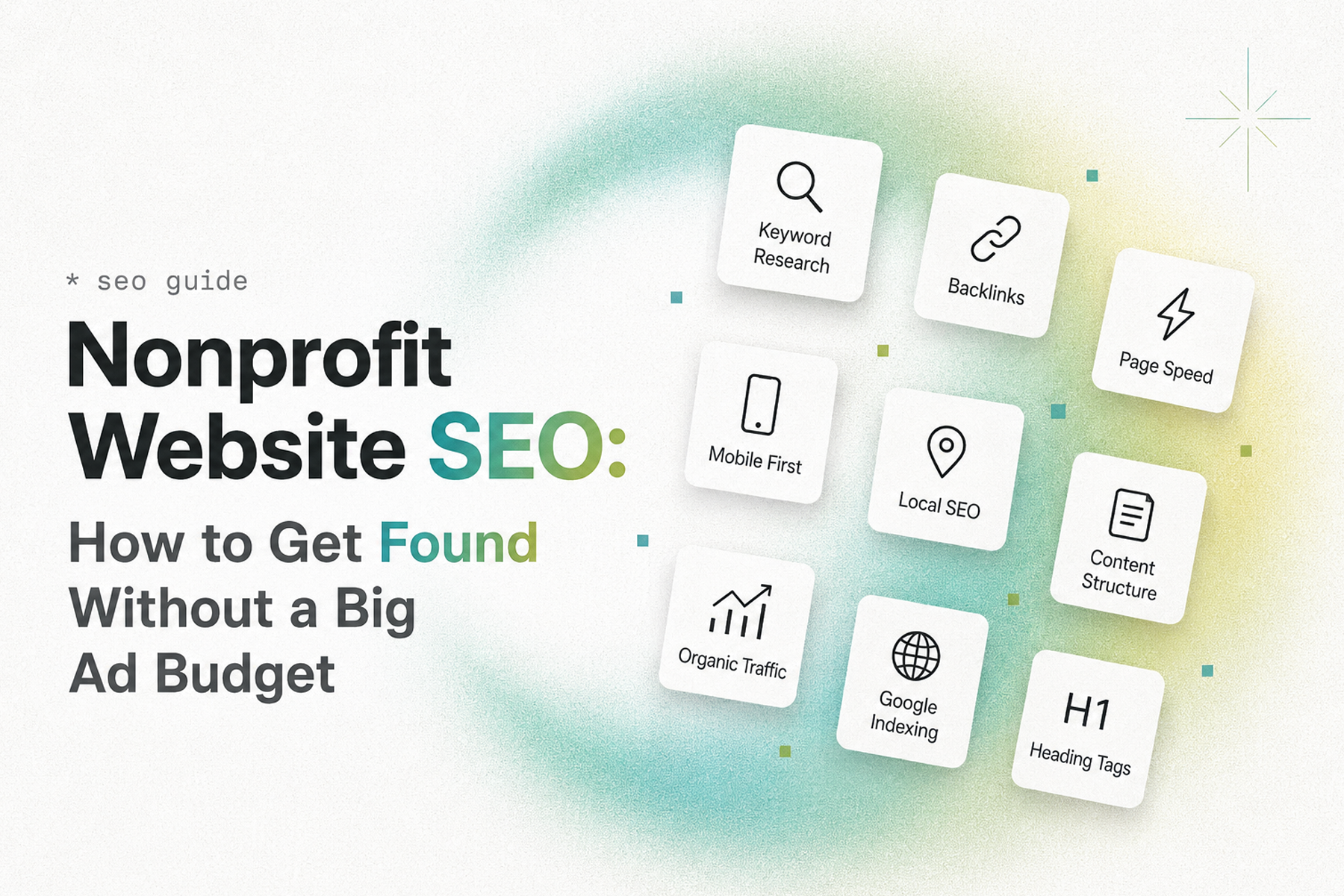
Most nonprofits can't compete on paid advertising spend. The organizations that dominate their space on Google Search aren't necessarily the ones with the biggest budgets: they're the ones that understood SEO early and built it into everything.
SEO is the great equalizer for nonprofits. Done right, it means new supporters find you every day through organic search, without paying for each click. It means the $3,000 you invest in content creation keeps producing results for years, not the 30 days a paid campaign would run.
Here's how to build an SEO strategy for a nonprofit website that produces results: even with limited resources.
Why Nonprofits Have a Natural SEO Advantage
Here's something most nonprofits don't realize: they're sitting on extraordinary SEO assets.
Real stories. Verifiable impact data. Authentic mission-driven content that large commercial organizations can't easily replicate. Testimonials from real beneficiaries. Subject-matter expertise in issues that millions of people search for every year.
The problem isn't usually a lack of content value: it's that the content isn't structured, targeted, and published in a way that search engines can reward.
That's fixable.
The SEO Foundation: Getting the Technical Basics Right
Before content strategy, there's technical infrastructure. A perfectly-written blog post on a technically broken website won't rank.
Site Architecture and URL Structure
Your URL structure should be logical and hierarchical:
- yourorg.org/programs/youth-mentorship (good)
- yourorg.org/p?id=2847§ion=3 (bad: not descriptive or crawlable)
Set this up during the design phase. Changing URL structures after launch requires careful redirect management to avoid losing ranking history.
Page Speed
Google uses page speed as a ranking factor, particularly for mobile. The threshold: aim for under three seconds on mobile. Test with Google PageSpeed Insights.
Common fixes:
- Compress images (under 200KB per image for most cases)
- Eliminate render-blocking JavaScript
- Enable browser caching
- Use a CDN (Content Delivery Network)
HTTPS / SSL
Non-negotiable. Every page of your site should be served over HTTPS. Most hosting providers include SSL certificates for free. If your site is still serving any pages over HTTP, fix this immediately: it's both a security issue and a search ranking factor.
Mobile Optimization
Google uses mobile-first indexing: it crawls and ranks the mobile version of your site primarily. If your mobile experience is broken or inferior, your rankings reflect that.
XML Sitemap
A sitemap tells search engines what pages exist on your site and how they relate. Configure and submit your sitemap through Google Search Console.
Canonical Tags
If your site has content accessible through multiple URLs (www vs non-www, HTTP vs HTTPS, trailing slash variations), canonical tags tell search engines which version is authoritative and prevent duplicate content issues.
Keyword Strategy: What Your Audience Is Actually Searching For
SEO without keyword strategy is just writing in the dark. You need to know what terms your target audience is searching for, how competitive those terms are, and what intent sits behind each search.
Types of Searches That Matter for Nonprofits
Organizational searches: People who already know you ("Mercy For Animals volunteer"): easy to rank for your own name, important to monitor.
Problem/cause searches: People who care about your issue without knowing you exist ("how to help animals in factory farms"): these are discovery queries; ranking here introduces your organization to a cold audience.
Service/information searches: Specific queries about what nonprofits like you offer ("volunteer opportunities Los Angeles animal welfare"): high intent, geographically targetable.
Comparison searches: People evaluating options ("best animal welfare charities 2026"): difficult but valuable to appear in.
Keyword Research Tools
- Google Search Console: Already tracking what queries bring people to your site. Start here.
- Google Keyword Planner: Free (requires Google Ads account) for volume estimates
- Semrush, Ahrefs, or Moz: More comprehensive paid tools if budget allows
- Answer the Public: Good for discovering question-based queries ("how can I help nonprofit organizations?")
Prioritizing Keywords
Focus first on keywords with:
- Meaningful search volume (enough people searching to matter)
- Reasonable difficulty (achievable without a massive domain authority)
- Clear relevance to your mission and user types
Don't ignore low-volume keywords with clear intent. A keyword searched 50 times per month by people who are actively looking for exactly what you offer is worth more than a high-volume term that attracts broadly uninterested traffic.
On-Page SEO: Every Page Matters
For every page on your nonprofit website, configure:
Title tag: The title that appears in search results. Primary keyword first, organization name at the end. Under 60 characters.
Example: "Volunteer Opportunities in Los Angeles | Mercy For Animals"
Meta description: The description that appears under the title in search results. Not a direct ranking factor, but affects click-through rate. Under 155 characters, should include the keyword and a clear value proposition.
H1 heading: One per page. Should include the primary keyword. This is the main page heading.
Heading hierarchy: H2s for major sections, H3s for subsections. Used meaningfully, not randomly for styling.
Body content: The primary keyword and related terms should appear naturally throughout the content. Don't keyword-stuff. Write for humans, with keywords present because they're the right words to use.
Image alt text: Every meaningful image needs descriptive alt text that includes relevant keywords where natural.
Internal links: Link to relevant pages within your own site. This helps search engines understand your content relationships and distributes page authority throughout the site.
Content Strategy: The Long Game
SEO is a long-term investment. The content you publish this month will be producing organic traffic a year from now. That's the bargain: consistent investment in quality content pays compound returns over time.
For nonprofit websites, the most effective content types:
Educational blog posts: "How Does Factory Farming Work?" attracts people who care about your cause but don't yet know your organization. These are awareness-stage queries that build your audience.
Cause-specific guides: "The Complete Guide to Reducing Plastic Waste at Home" (for an environmental nonprofit): comprehensive, linkable, evergreen content.
Campaign pages with unique content: Not just a donation form but substantive content explaining the campaign, its context, and its goals. These are both conversion pages and SEO assets.
Impact reports: Detailed annual or quarterly reports that document real outcomes. These get cited and linked by media, partner organizations, and researchers.
Local/geographic content: For nonprofits with local programs, geo-specific content ("animal rescue services in Denver") captures locally-intent searchers.
Content Migration: The Most Dangerous SEO Moment
If you're redesigning your website: especially if you're changing platforms: the migration is the highest-risk SEO event your organization will experience.
Done incorrectly, a platform migration can wipe out years of search rankings overnight. Done correctly, it preserves everything while the new experience performs better.
What a correct migration requires:
- Full URL audit: Catalog every existing URL on the site before migration
- Redirect mapping: Every URL that changes needs a 301 redirect from old to new
- Post-migration monitoring: Watch Search Console for 404 errors and drops in impressions in the weeks after launch
- Rapid response: Fix any redirect gaps immediately
For Mercy For Animals, we migrated a complex, content-heavy site across platforms and preserved over 90% of existing SEO equity. The remaining recovery was completed within four weeks. That result was not an accident: it was the outcome of meticulous migration planning built into the project from day one.
Related: How to Do a Nonprofit Website SEO Audit (Free Checklist) →
Local SEO for Nonprofits
If your nonprofit operates physical programs, serves a specific geographic area, or has in-person events, local SEO is a high-value, relatively achievable opportunity.
Google Business Profile
Create and verify your Google Business Profile. Fill it out completely: hours, photos, description, services. This is what appears in the local map results.
Location-specific pages
If you operate in multiple cities or regions, dedicated location pages ("Animal Rescue Services in Phoenix") can rank for local search queries.
Local citations
Consistent name, address, and phone number (NAP) information across nonprofit directories, GuideStar/Candid, local chamber of commerce listings, and other relevant directories supports local rankings.
Measuring SEO Performance
The measurement stack we configure for every nonprofit website:
Google Search Console: Total impressions, clicks, average position, top-performing queries, top-performing pages. Review weekly. Act on what you see.
Google Analytics 4: Organic search traffic, organic search conversion rate, landing page performance. Connect to Search Console for combined data.
Monthly reporting cadence: Track progress on primary keyword rankings, organic traffic volume, and organic-attributed conversions (donations, volunteer applications, newsletter sign-ups).
SEO is measured over months and years, not days and weeks. Set realistic expectations: meaningful results from a new SEO program typically emerge at three to six months.
The Google Ad Grants Opportunity
One thing unique to nonprofits: Google offers eligible organizations up to $10,000 per month in Google Search Ads credits through the Google Ad Grants program.
This is a significant SEO complement. While you're building organic rankings, Google Ads can provide immediate visibility for high-priority keywords. With $10,000/month in free advertising, the opportunity cost of not applying is substantial.
Eligible organizations: 501(c)(3) nonprofits in most countries. Apply through google.com/nonprofits.
Note: Ad Grants has specific requirements (must maintain a 5% click-through rate, can only bid on keywords with quality scores of 3 or higher) that require active management to stay compliant.
Getting Started
If your nonprofit's SEO program is underdeveloped, here's the priority order:
- Ensure the technical basics are in place (HTTPS, mobile optimization, sitemap submitted to Search Console)
- Configure Google Search Console and GA4 with conversion tracking
- Audit your existing top-performing pages and optimize them first
- Develop a content calendar targeting the queries your audience is actually searching
- Build internal links between related content
- If planning a redesign, plan the migration strategy before anything else
Talk to us about building an SEO program for your nonprofit →
Wandr Studio. SEO built in from day one: not bolted on after launch. See our nonprofit services →
Related WANDR case studies: WWF-Canada · Mercy For Animals · CEED Global