


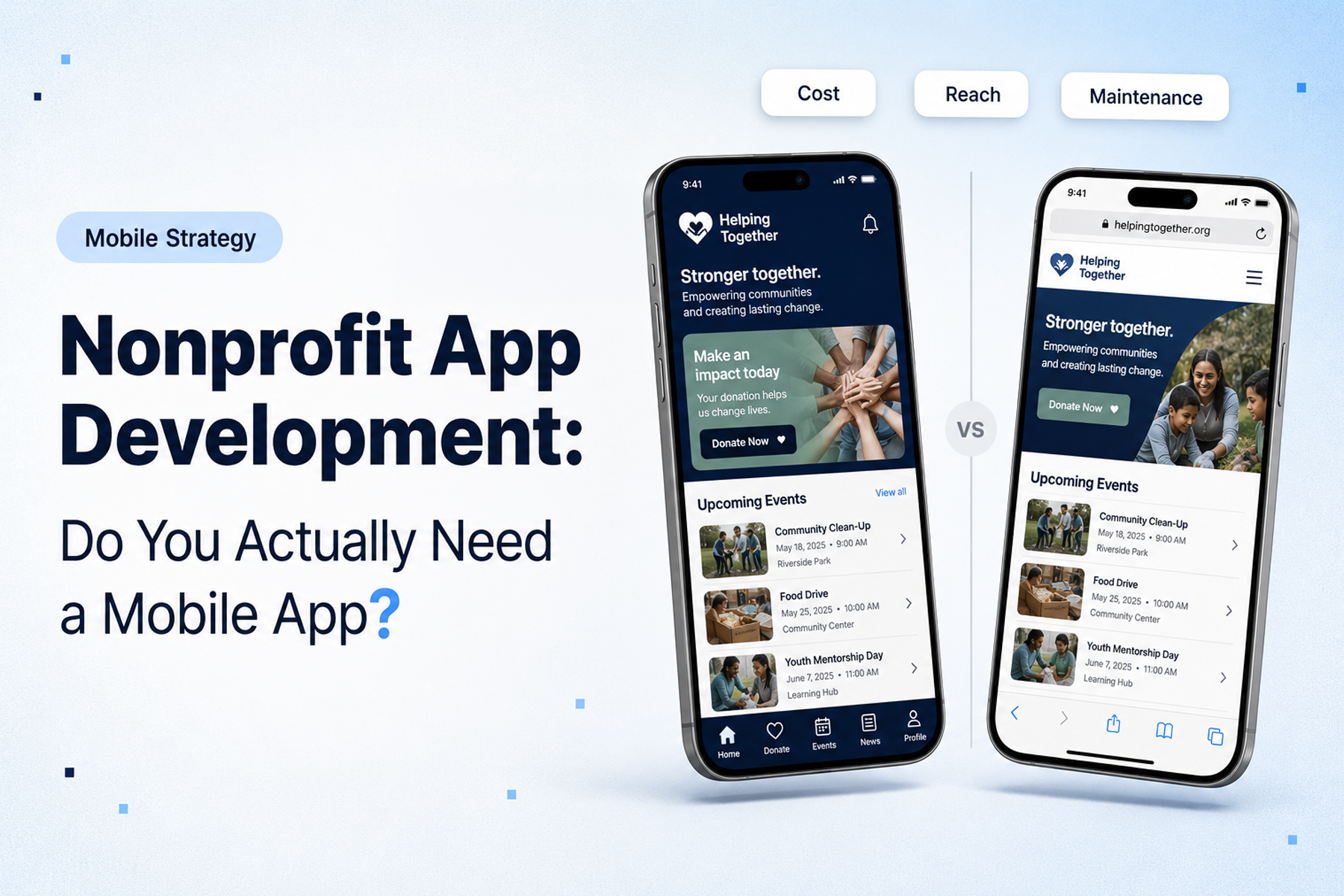
The question of whether to build a mobile app for your nonprofit comes up more often than most people expect. And it's usually driven by one of two things: someone on the board saw a competitor's app, or the organization has a genuine problem that a website isn't solving.
Only one of those is a good reason to build an app.
Here's how to figure out which situation you're in.
The Honest Case Against Building a Nonprofit App
Let's start with the case against, because it's important.
Mobile apps are expensive to build correctly: typically more expensive than website development. They require ongoing maintenance across both iOS and Android platforms. They need users to download them, which creates friction that websites don't have. They need regular updates or they fall out of compatibility with OS updates. And if they don't solve a genuine, recurring user problem, usage drops off quickly after the initial download.
Most of the time, when a nonprofit says "we need an app," what they actually need is a better mobile website.
A well-designed, mobile-optimized nonprofit website handles the vast majority of what nonprofits actually need: donations, volunteer recruitment, event registration, advocacy actions, content consumption. If your website does all of these things well on mobile, the ROI case for a dedicated app gets very hard to make.
When a Nonprofit App Makes Sense
That said, there are genuine use cases where an app delivers value a website can't.
When the Experience Requires Native Capabilities
Native apps can access device capabilities that web browsers can't (or can't as well): push notifications, offline functionality, GPS location, camera, biometric authentication, health data.
For nonprofits, the most commonly valuable of these:
Push notifications: A fitness nonprofit that wants to send coaching nudges, a volunteer platform that needs to confirm shifts, an advocacy organization that wants to alert supporters about time-sensitive actions. If real-time, reliable notification is a core feature, an app has a meaningful advantage over a website.
Offline functionality: Field workers doing data collection in areas with poor connectivity, volunteers checking into shifts in buildings with poor cell service. If the core user activity happens in contexts where internet access isn't reliable, an app can continue to function.
Location features: Matching volunteers to nearby opportunities, allowing users to check in at event locations, providing location-based program information.
When User Engagement Is the Core Product
If your organization's primary value to users is delivered through a recurring, interactive digital experience: rather than periodic visits to get information or complete a transaction: an app creates a more engaged relationship.
DonateHello, a donation platform WANDR designed, is a strong example: a product built around ongoing donor engagement, cause discovery, and impact tracking. The depth of interaction that DonateHello's model requires: discovering causes, tracking donations, seeing impact over time, managing recurring giving: genuinely benefits from an app experience designed around sustained engagement rather than one-time transactions.
See how Wandr built DonateHello's donation platform →
When Your Audience Has Already Expressed App Demand
Have users asked for an app? Have you seen engagement on app-related initiatives? If you've tested the concept and found genuine user pull, that's real signal.
The alternative: building an app based on internal enthusiasm without user validation: is how most nonprofit apps end up with 200 downloads and 15 monthly active users.
Types of Nonprofit Apps We Build
Donor Engagement Platforms
Like DonateHello: cause discovery, donation management, recurring giving, impact reporting. Built for sustained donor relationship rather than one-time transaction.
Volunteer Management Apps
Schedule management, shift check-in, communication, training content, volunteer community features. Particularly valuable for organizations with high-volume, recurring volunteer programs.
Advocacy and Action Apps
Real-time action alerts, petition signing, social sharing, campaign tracking, event coordination. For organizations where supporter mobilization speed matters.
Program Delivery Apps
Educational content, resource access, service coordination, beneficiary communication. For nonprofits where the program itself is delivered digitally.
Event and Campaign Apps
Event-specific apps for galas, fundraising events, or major campaigns: registration, check-in, live giving, event content.
The Development Process: How We Approach Nonprofit App Development
The process mirrors our website approach because the principles are the same: user research before design, flows before screens, testing before launch.
Discovery
We start with the same questions we ask for websites: what outcomes does this app need to produce? Who are the users? What problem does it solve that the current solution doesn't?
For apps, this phase also includes platform decisions: native iOS and Android, cross-platform (React Native or Flutter), or progressive web app (PWA)?
Platform Decision Framework
ApproachBest forTrade-offsNative iOS + AndroidMaximum performance, full device capabilitiesHighest development and maintenance costCross-platform (React Native/Flutter)Most organizations: good performance, single codebaseSlight performance trade-off vs nativeProgressive Web App (PWA)Lightweight cases, limited budgetNo app store presence, limited device API access
For most nonprofit apps, cross-platform development (React Native or Flutter) offers the best balance of cost, performance, and capability.
User Research and Flow Mapping
Same process as website development: interview real users, validate assumptions, map every flow before designing screens.
Design and Prototyping
Mobile-first, accessible design. Interactive prototype testing with real users before development begins.
Development and Integration
Build in sprints with regular review points. Integrate with existing systems (CRM, donation platform, email marketing) from the start, not as an afterthought. Integrating a donation platform is its own discipline: WANDR built the donor-facing flow for GiveSmart, a leading mobile fundraising and auction platform, so we design these integrations knowing how the giving experience behaves on the other side.
Submission and Launch
App Store and Google Play submission has specific requirements and review timelines (typically 1-2 weeks for initial review). Plan for this in your launch timeline.
Post-Launch Support
Apps require ongoing maintenance: OS updates break things, user feedback surfaces improvements, analytics data reveals optimization opportunities.
Nonprofit Apps We've Built Through MVP Development
Two of our own projects in this space show how this works in practice, and both came through WANDR's MVP development service, where we take an idea to a validated, investor-ready prototype rather than jumping straight to code. DonateHello was a transparency-first donation platform, designed and prototyped so its founders could put a credible product in front of investors. The Grace Rose Foundation came to us with Checkout, a mental-wellness app for teens, and in under five weeks we took it from concept to a researched, tested, high-fidelity prototype and an investor pitch. Neither started with a line of app code. Both started by validating who the app was for and whether they would actually use it. A focused concept build like these, research, design, and a tested prototype rather than a full production app, is a distinct and earlier-stage investment from building out the finished product.
What Nonprofit App Development Costs
App development costs vary more widely than website development, because the scope variation is significant.
Simple apps (PWA or basic cross-platform)
$15,000: $35,000. Limited features, one primary user type, minimal integrations.
Mid-complexity apps
$35,000: $75,000. Multiple user types, native device capabilities, CRM/donation platform integration.
Complex platforms
$75,000+. Multiple sophisticated features, custom backend infrastructure, multi-platform deployment.
These ranges assume cross-platform development (React Native or Flutter). Native iOS + Android development for the same feature set typically costs 1.5-2x more.
As with websites: the research, design, and flow-mapping work done before development begins is what determines whether the investment produces results.
The Honest Answer to "Do We Need an App?"
For most nonprofits, the answer is: not yet. Build a great mobile website first. If specific use cases emerge where native app capabilities would meaningfully improve your ability to serve your mission: push notifications, offline functionality, sustained engagement: revisit.
But if you're already past that point, if you have clear user demand, specific technical requirements that a website can't meet, and the organizational capacity to maintain an app over time: it can be a transformative investment.
The conversation starts with an honest assessment of the problem you're trying to solve.
Talk to us about whether your nonprofit needs an app →
Wandr Studio builds nonprofit apps and websites. The starting point is always the same: who needs this, and what do they need to do? See our services →
Related WANDR case studies: Grace Rose Foundation · DonateHello · Mercy For Animals
